Sanbox now runs Docker
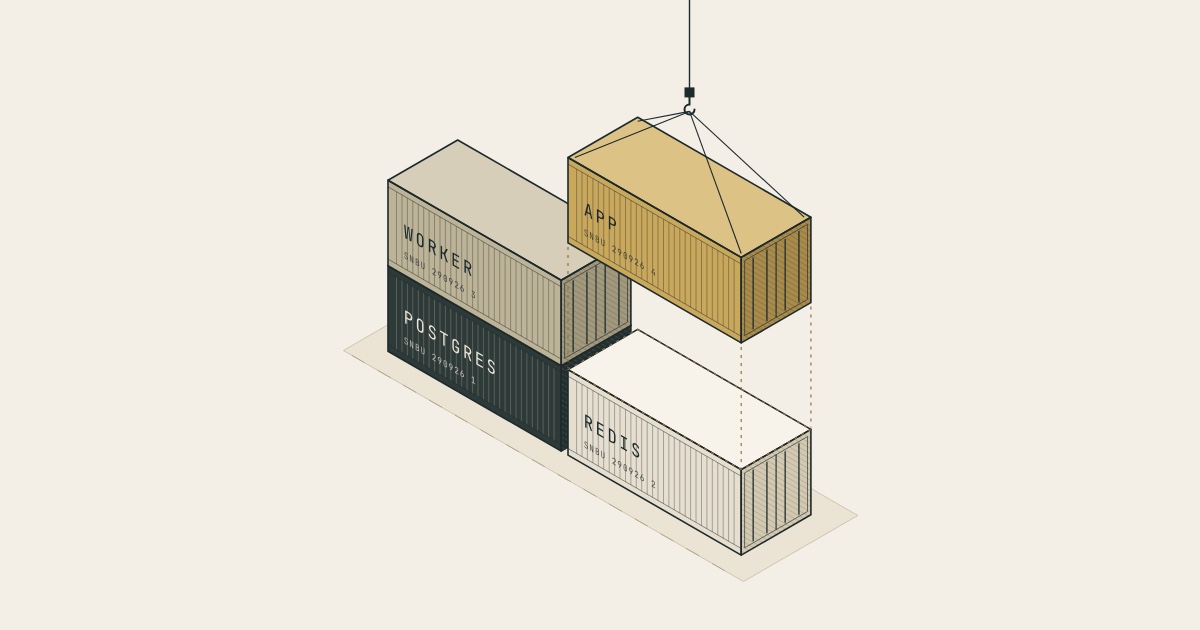
Docker is how many teams package and ship their applications. Databases, web apps, data tools, internal services and benchmark tasks often come as a Docker image.
Docker Computers let you run them in Sanbox. They're isolated cloud computers with Docker Engine, Compose and Buildx already set up. Start one in a few seconds, pull any image or bring up a whole Compose stack, and control it from your agent, your CI or your own app through the Sanbox CLI and API. When you're done, delete it or snapshot it for next time.
That opens Sanbox up to much more than running code. Agents can use tools that come packaged as containers. Research teams can run evaluation and RL environments. Product teams can start full copies of an application for previews. And anyone can run software they don't fully trust, away from their own machines.
What you get
Each Docker Computer is its own isolated machine with its own Docker Engine. It doesn't share Docker with anyone else, and nothing needs access to a Docker socket on your side.
Docker works the way you're used to. docker build, docker run, docker exec, Compose, volumes, published ports and resource limits all behave as they do on your laptop or a Linux server.
There's no AI agent built in, and you don't need a model provider. A Docker Computer is just a computer. You drive it from your own coding agent, your CI pipeline or your application.
Running a full stack
Most applications are several services working together: an API, a database, a cache, maybe a queue and some background workers. A Docker Computer runs all of them, as your Compose file describes.
# Allow the registries your images come from, then start a Computer
sanbox templates create --name full-stack --type docker-computer \
  --network-policy registries.json
sanbox run --template full-stack

sanbox cp ./my-app <run-id>:/workspace
sanbox exec <run-id> --cwd /workspace/my-app -- docker compose up -d
sanbox exec <run-id> --cwd /workspace/my-app -- \
  docker compose exec -T api pytest tests/e2e
Everything runs against a real Postgres, a real Redis and real calls between services. An agent can test a change end to end, a demo behaves like the real product, and an evaluation task runs the way its authors defined it. Images, build caches and volumes stay on the Computer's disk, so when you resume a stopped Computer the stack is ready to start again.
Running commands and transferring files
The terminal and SSH are great when you're working inside a Computer yourself. Agents and pipelines need something different: a way to run a step, check the result and move on, with nobody watching.
That's what the two new commands, sanbox exec and sanbox cp, are for. Both have matching API endpoints, and they work on any running Sanbox Computer, not just Docker Computers.
exec runs a command and streams its output back as it happens. It also returns the command's real exit code, so your CI job or agent knows whether a step passed or failed. cp transfers files and folders in both directions: send in a codebase or a dataset, and pull back test reports or build artifacts.
Both are made for work that runs unattended. A long job keeps going if the connection drops, and you can pick its output up again later. Retries are safe, so a flaky network won't run the same migration twice. And they work with organization API keys, so nothing depends on someone being logged in.
Snapshots and warm pools
Getting an environment ready is often the slowest part of a job. Pulling images, building containers and loading test data can take minutes before any real work starts. You can do that work once:
- A snapshot saves a prepared Computer, including its images, containers and data. New runs start from that saved state.
- A warm pool keeps a few Computers from a snapshot started and waiting. A new run from the pool is ready in about three seconds.
- A fork copies a stopped Computer, so you can try two different things from the same starting point.
Proxy secrets so your agents don't see them
Agents and tests often need to call real APIs. But once an API key or token is inside a sandbox, anything running there can read it, including the agent and every dependency it installs.
Secret Proxies let you avoid that. You save the secret in Sanbox once and say which host and API paths it may be used for. When the Computer calls that API, Sanbox adds the secret to the request on its way out. The Computer, and everything running on it, never sees the secret itself.
This works inside containers too. Mount the Computer's certificate bundle into the container, which is one extra line in your Compose file.
Choosing what it can reach
A new Docker Computer can't reach the internet. You list what each template is allowed to talk to: the registries it pulls images from, the package mirrors its builds use and the APIs it calls. Sanbox enforces that list outside the Computer, and it applies to every container and every build step. A whole Compose stack stays inside the limits you set without any setup in the containers themselves.
Evals and hill climbing
A lot of agent teams improve their agents by hill climbing. They change something in the harness, a prompt or a tool, run a benchmark, keep the change if the score goes up and try something else if it doesn't. Then they do it again, many times. Projects like AutoAgent even hand that loop to an agent, which edits the harness, runs the evaluation and decides what to keep.
Most of these benchmarks now package each task as a container environment. Harbor, a framework for running agent evaluations, describes every task as instructions, a sandbox environment and a check that grades the result. It runs agents like Claude Code, Codex CLI and OpenHands on many tasks in parallel.
Every round of that loop needs a lot of clean, identical environments, and it needs them quickly. Docker Computers fit that well:
- Each attempt gets its own Computer, so one run can't affect another run or the grading.
- Tasks that use several containers run as written, and their network rules still apply.
- Snapshots and warm pools cut per-task setup down to a few seconds.
- An evaluation harness needs four things from a sandbox: create it, run commands, copy files in and out, and delete it. Sanbox's API covers all four.
A few ways to use it
- Coding agents that test their own changes. For each pull request, an agent starts the full stack, runs the end-to-end tests and attaches the results.
- Evaluations and RL environments. Research teams run benchmark tasks and hill-climbing loops across many identical Computers.
- Previews. Product and sales teams start a copy of the app with demo data for a branch or a customer, straight from a warm pool.
- Building code you don't trust. Platforms build third-party repositories on a throwaway Computer with no credentials and a short list of allowed hosts.